Skip to content

Augmented reality for Android

Small code.
Big design.

Put a small Emhok code on a T-shirt, a poster, a sheet of paper or a screen. Point your phone at it and a full-size image or video appears right on it, moving with the fabric’s folds and catching its light.

  • Shirts, posters, paper, screens
  • Images and videos
  • Or no code at all
The Emhok scanner showing the sample design, a sun over waves, drawn on a virtual shirt.

Follows the fabric

EM-0A4Y-9KU

How it works

From a picture to a design anyone can scan

The code is small enough for a chest print or a corner of a poster. The design can be as big as the shirt.

  1. 01

    Make a design

    Pick an image or a video in the app, or paste a YouTube or Instagram link. Then place it on a T-shirt, or on something flat like a poster, a frame or a screen.

  2. 02

    Print its code

    Every design gets its own small code. Print it at its exact size, mirror it for iron-on transfer paper, or simply show it on a screen.

  3. 03

    Point and see

    Open Emhok and aim the camera at the code. The full design appears on it and stays there while the shirt, the poster or the phone moves.

Two kinds of AR

With a code, or with no code at all

A code makes a design portable: it travels with the shirt or the print. Without a code, a design belongs to a place. One scanner shows both.

Barcode AR

With a code

A small printed Emhok code carries the design. Wherever the code goes, the design goes with it.

  • On a T-shirt the design wraps around the body and moves with the fabric’s folds, stretch and light.
  • On flat things like posters, frames, paper and screens, it holds still on the code like a print.
  • Anyone with Emhok who scans the code sees the design.
  • If the code can’t be measured, the design fades out instead of showing in the wrong place.
Needs
A printed or on-screen code
Best for
Clothing, posters, flyers, screens
Moves with
The code

Markerless AR · Scan in Sky

Without a code

Designs placed in the world with nothing printed at all: stuck to a wall, a floor or a table, fitted into a picture frame, or pinned in the sky.

  • Fits itself into picture frames and screens it finds in view, cropped to fill them.
  • Remembers the place, so the design is found again on a later visit.
  • Other people nearby with Emhok see it in the same spot.
  • Built on Google’s ARCore. Phones without ARCore can still scan codes.
Needs
Nothing printed
Best for
Walls, rooms, frames, the sky
Stays
Where it was placed

The app

A look inside Emhok

Real screens from the Android app: from the first scan to a code ready to print.

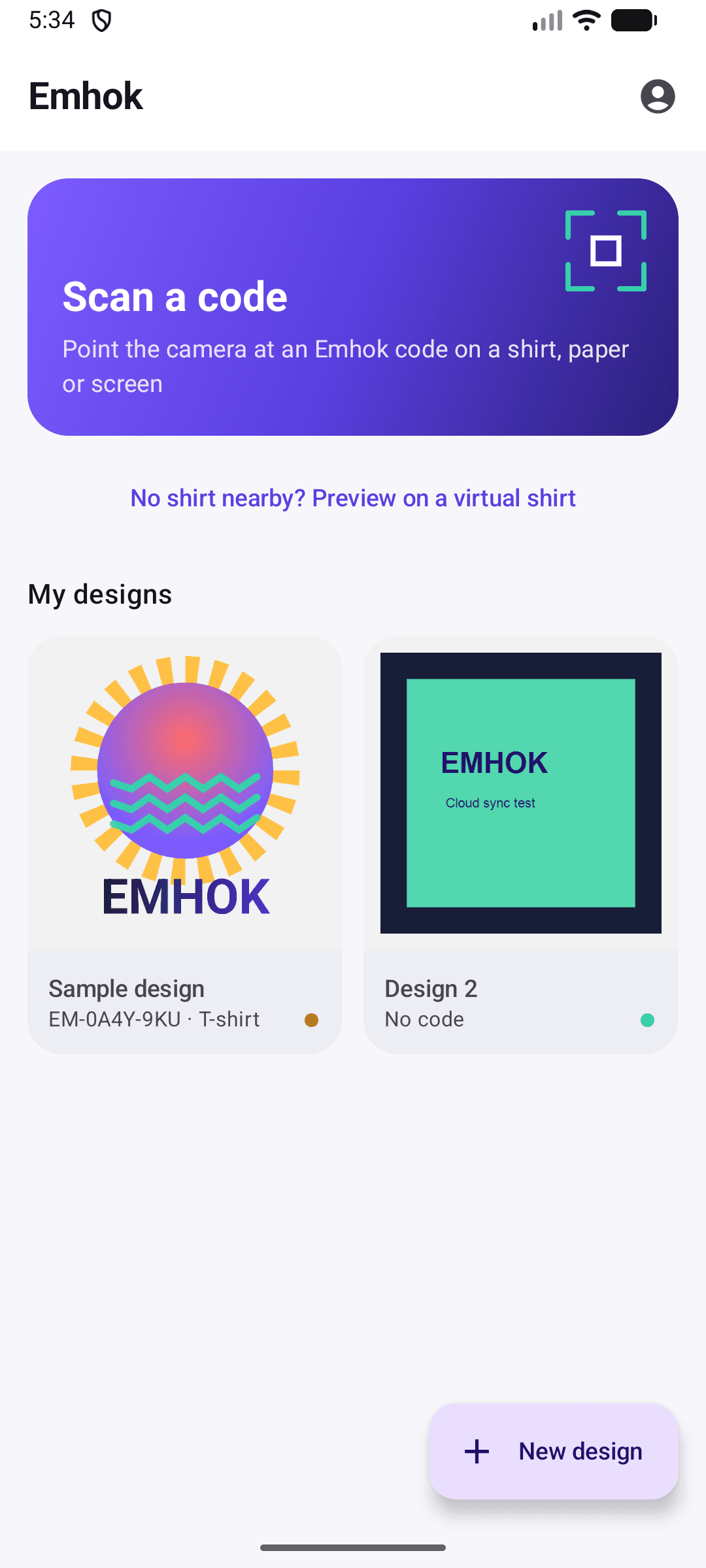
  • Emhok home screen with a Scan a code card, a link to preview on a virtual shirt, and two saved designs.
    HomeScan a code, or preview on a virtual shirt when there’s no shirt nearby. Your designs sit below.
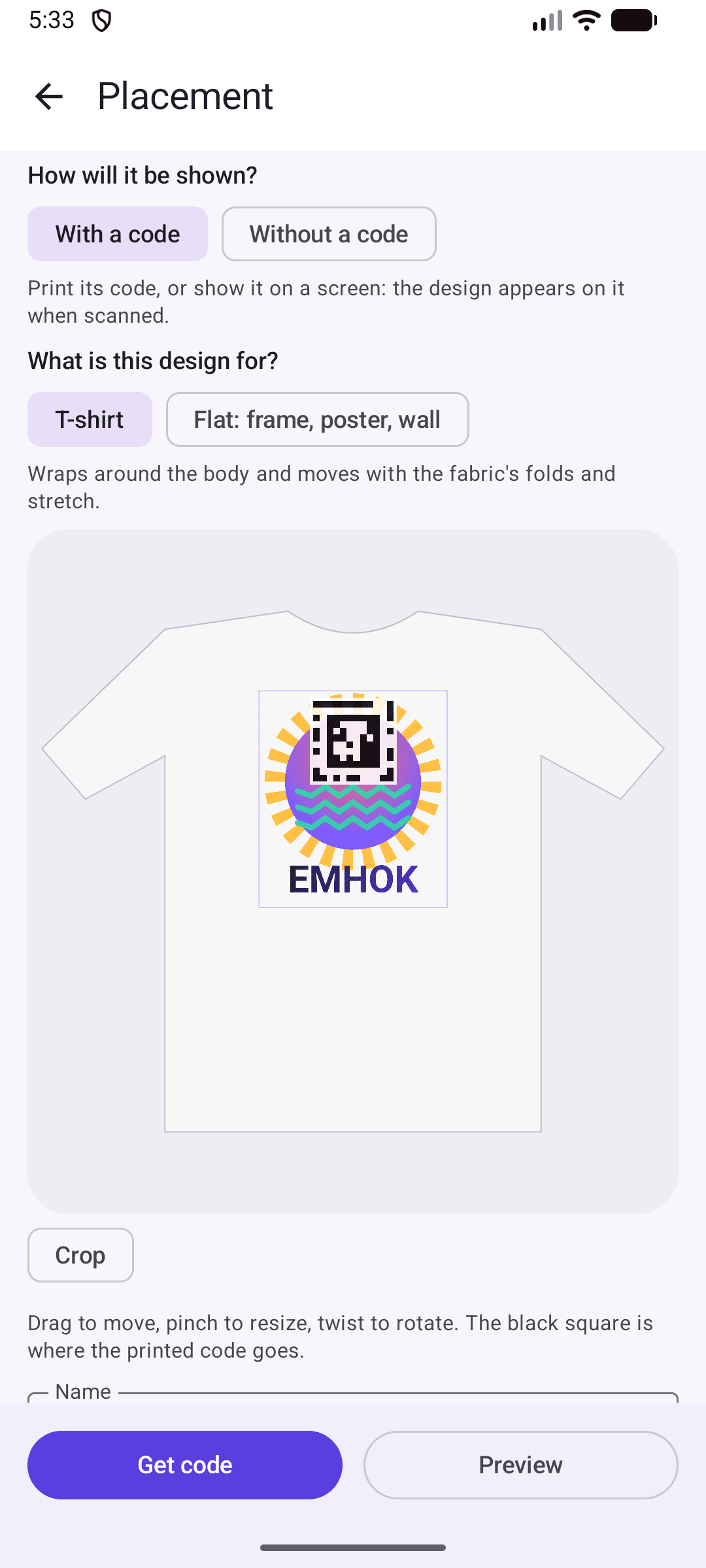
  • The placement editor: options for with or without a code and T-shirt or flat, and the design on a shirt outline.
    EditorChoose with or without a code and T-shirt or flat, then drag, pinch and twist the design into place.
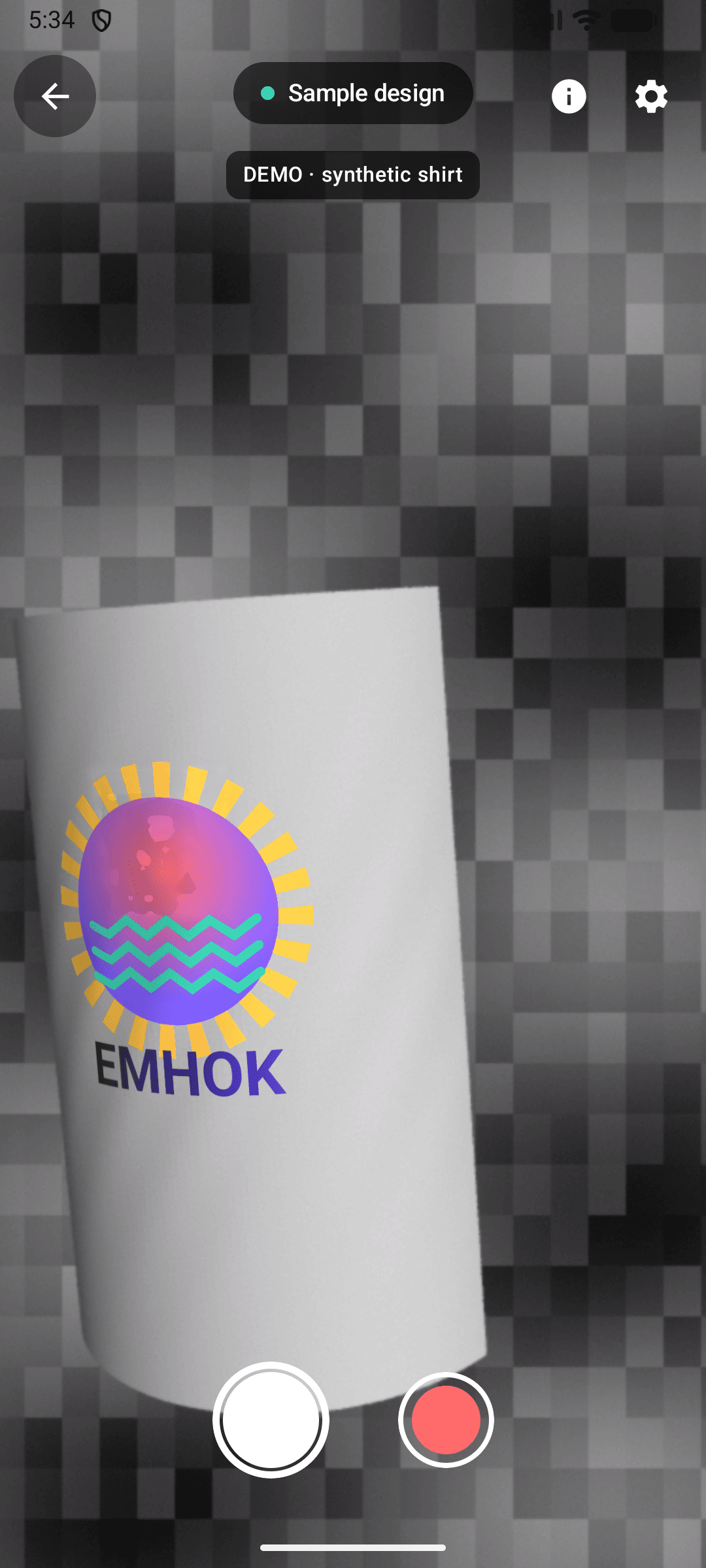
  • The scanner showing the sample design on a virtual shirt, with photo and video buttons.
    AR viewThe design drawn on the fabric, ready for a photo or a video. Here on the built-in virtual shirt.
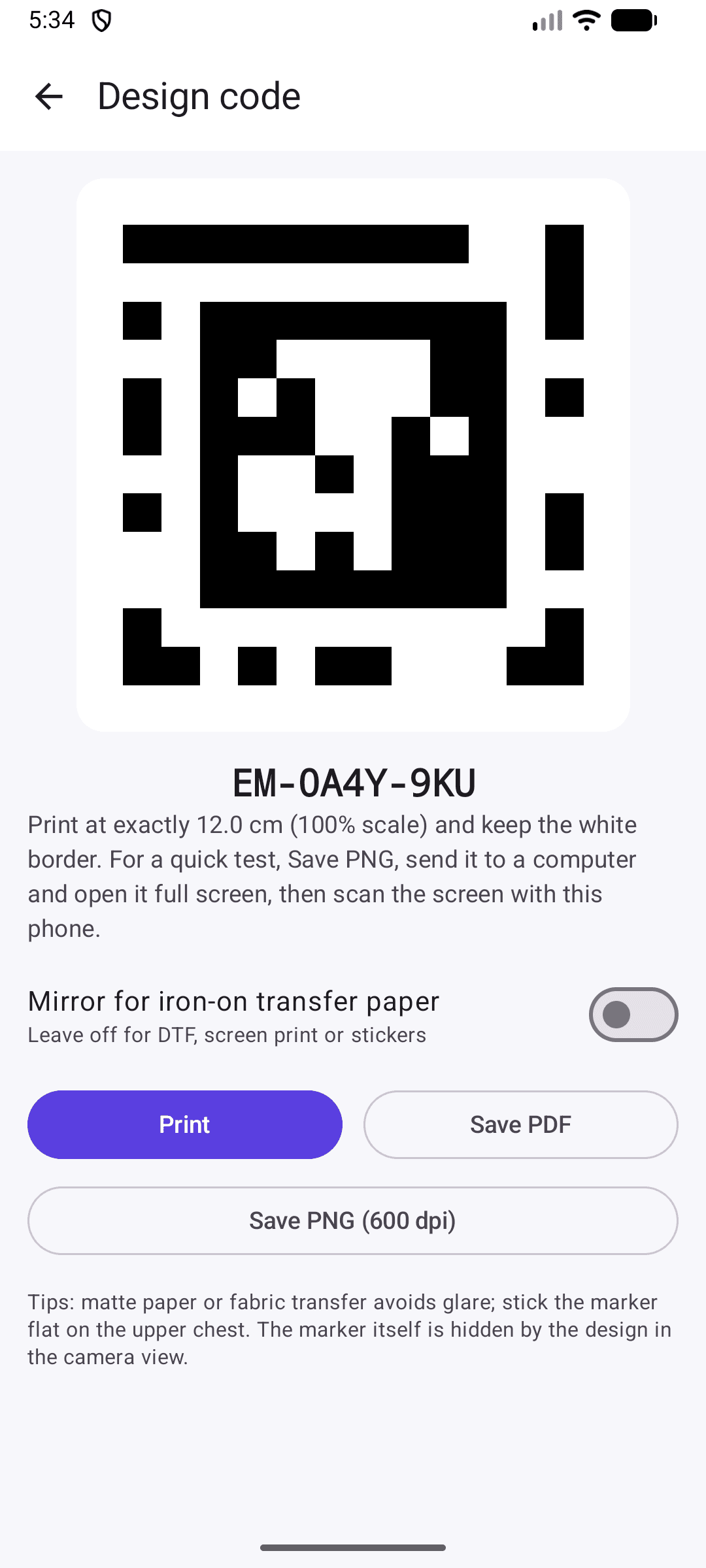
  • The design code screen with the code EM-0A4Y-9KU and buttons to print, save a PDF or save a PNG.
    Printable codePrint at exact size, save a PDF or a 600 dpi PNG, or mirror it for iron-on transfer paper.

Features

Made for the moment the design appears

Everything between pointing the camera and sharing what you see.

  • Looks printed, not pasted on

    Emhok measures the shading of the fabric around the code and carries it onto the design, so folds still read as folds and shadows fall across the print. On flat things it takes only the overall light, so glass and screens don’t ripple.

  • Videos that play on the surface

    Upload a video and it plays right on the shirt or the poster, lit like the fabric. It pauses when it leaves the view.

  • YouTube and Instagram links

    Paste a link and the video plays in its own official player, placed right where the design is.

  • Lock it to the screen

    Double-tap a design to hold it on screen. Drag it, pinch to resize it, and double-tap again to let it go.

  • Photos and videos

    Capture the view with the design in it, as a photo or a video, saved to your phone.

  • Preview on a virtual shirt

    No shirt or printer nearby? See any design on a virtual shirt first, right in the app.

  • Crop by dragging an edge

    Trim a design right where it is. Nothing is lost: drag the edge back out to restore it.

  • Never in the wrong place

    When the code can’t be measured, the design fades out instead of drifting, and it’s back as soon as the code is.

Your next T-shirt can play a video.

Emhok is an app for Android phones. Scan codes, preview designs on a virtual shirt, and find designs placed around you.